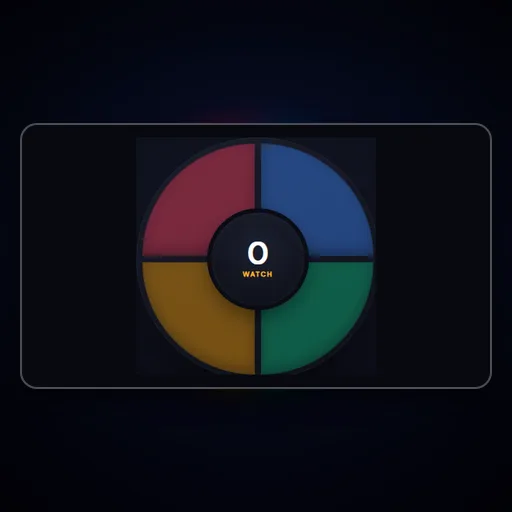
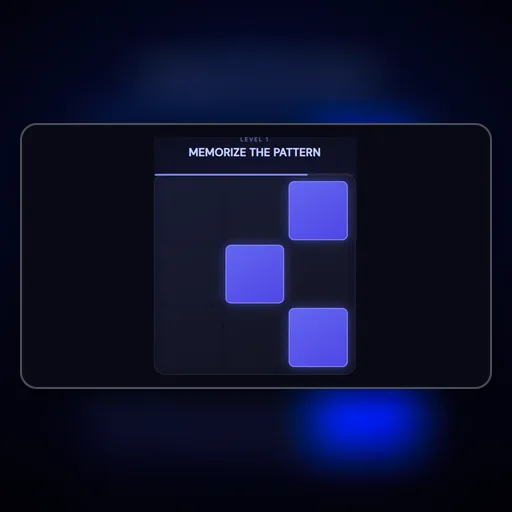

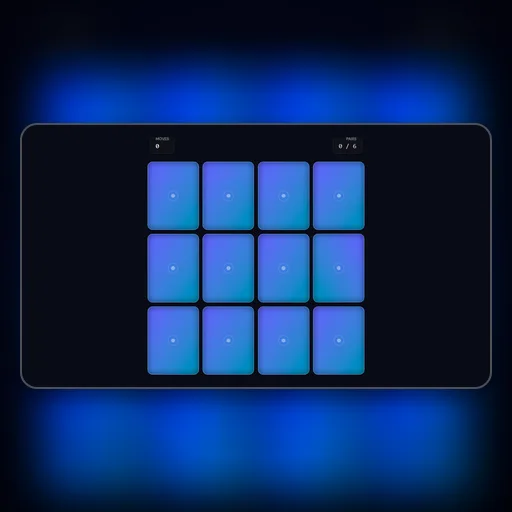
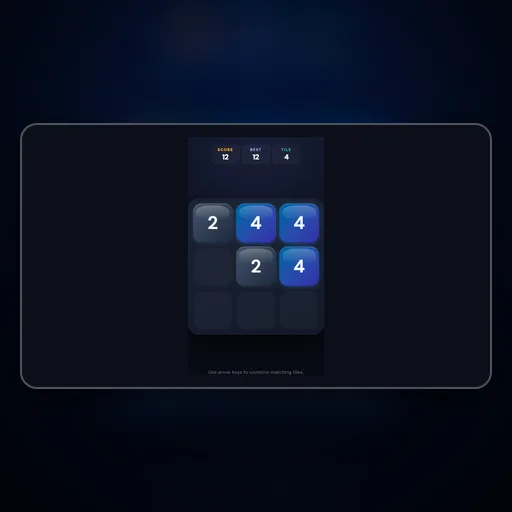

Color Match

memory
RED

Color Match

Click the name of the color, not the word itself! It's a classic Stroop effect test.

Advertisement

About Color Match

Color Match presents the brain's most notorious conflict: identifying the ink color of color words when the word itself names a different color. Reading the word RED written in blue ink requires your brain to override a deeply automatic verbal reading process with deliberate color perception — a cognitive interference effect called the Stroop effect. People who practice Stroop-style tasks demonstrate measurably better selective attention, inhibitory control, and resistance to cognitive interference in unrelated tasks. This game uses that interference dynamically as a speed-scoring challenge, making it one of the few casual games with direct, research-backed cognitive benefits.

How Color Match works: A word appears on screen written in a color. Quickly decide: does the color of the text match the word itself? If the word says RED and is written in red, tap YES. If the word says BLUE but is written in green, tap NO. The Stroop effect makes this harder than it sounds — stay sharp!

Color Match runs directly in your browser using modern HTML5 Canvas and JavaScript — no plugins, installations, or account registrations ever required. Touch-friendly controls provide a seamless experience on smartphones and tablets, while keyboard and mouse support gives desktop players precise control. Your scores and progress are automatically saved in your browser's local storage.

Category
Memory
Platform
Web Browser
Cost
100% Free
Multiplayer
Single Player

🎮
How to Play Color Match

  1. 1A word appears on screen written in a color.
  2. 2Quickly decide: does the color of the text match the word itself?
  3. 3If the word says RED and is written in red, tap YES.
  4. 4If the word says BLUE but is written in green, tap NO.
  5. 5The Stroop effect makes this harder than it sounds — stay sharp!

What Makes Color Match Stand Out

  • Color Match targets working memory capacity specifically — the most trainable aspect of human memory
  • Progressive grid sizes that expand as your recall accuracy improves — always at the right challenge level
  • Multi-sensory encoding where available — visual patterns paired with positional audio cues
  • Session statistics showing your accuracy percentage and average recall time per difficulty
  • Short daily sessions are more effective than occasional long ones — 5 minutes a day builds real improvement
  • Backed by cognitive training research — the flip-and-match format is one of the most validated memory exercises

💡
Tips & Strategies for Color Match

  • Before any sequence or pattern is revealed in Color Match, prepare a spatial encoding strategy — decide how you'll organize the information mentally before it appears.
  • Link each item to its grid location through a story or visual association rather than trying to memorize positions as abstract coordinates — narrative encoding is far more durable.
  • Notice spatial clusters — items near the corners are easier to remember than central items because corners have distinctive spatial identities you can anchor to.
  • After each recall attempt, immediately review which positions you got wrong and why — corrective reflection immediately after an error produces much stronger encoding than simply trying again.
  • Train daily in short sessions: five to ten minutes of focused memory practice produces more measurable improvement than one long session per week, because sleep consolidates each day's gains.

Frequently Asked Questions About Color Match

Is Color Match free to play?

Yes, Color Match is completely free on NexusPlay — no hidden fees, subscriptions, or in-app purchases. The platform is supported by non-intrusive Google AdSense ads that allow every game to remain free forever.

Can I play Color Match on my phone or tablet?

Absolutely. Color Match is fully responsive and includes touch controls designed for mobile screens. You can play comfortably on any modern smartphone or tablet without needing to download an app.

Do I need to create an account to play?

No account or signup is ever required. Click the game and start playing immediately. Your scores and progress are automatically saved in your browser's local storage and persist between sessions.

How often should I play Color Match to see memory improvements?

Research on memory training suggests that short daily sessions of 5-10 minutes produce better results than occasional long sessions. Even 5 minutes of focused Color Match practice per day builds measurable working memory capacity over weeks.

Is Color Match suitable for older adults looking to maintain mental sharpness?

Absolutely. The memory-matching format used in Color Match is one of the most studied and validated cognitive maintenance exercises for older adults, with consistent evidence of slowing age-related working memory decline.

Editor's Note:

Color Match is part of our curated collection of high-quality web games. We strive to bring you the best gaming experience without the clutter of forced logins or intrusive popups. New games are added regularly, so bookmark us and check back often!

Advertisement