About Budget Manager
You have $200 for the week. You MUST fulfill basic Needs while avoiding Wants. Retain at least $50 in savings! Budget Manager is a free educational game on NexusPlay, optimized for smooth performance across all modern web browsers on both desktop and mobile devices. Whether you are a casual gamer looking for a quick session or a dedicated player chasing high scores, Budget Manager delivers an engaging, browser-native experience with zero downloads required.
How Budget Manager works: You have a $200 weekly budget. A list of items is shown with their costs — some are Needs (essentials), some are Wants. Click items to purchase them — your budget decreases. You must cover all basic Needs. Avoid spending too much on Wants. End the week with at least $50 remaining in savings to succeed!
Built with modern HTML5 Canvas and JavaScript technology, Budget Manager runs directly in your browser without requiring any plugins, installations, or account registrations. Touch-friendly controls ensure a seamless experience on smartphones and tablets, while keyboard and mouse support is available on desktop. Your scores and progress are automatically saved in your browser so you can continue any time.
🎮How to Play Budget Manager
- 1You have a $200 weekly budget.
- 2A list of items is shown with their costs — some are Needs (essentials), some are Wants.
- 3Click items to purchase them — your budget decreases.
- 4You must cover all basic Needs. Avoid spending too much on Wants.
- 5End the week with at least $50 remaining in savings to succeed!
✨Key Features
- No download or installation required
- Optimized for mobile and desktop browsers
- Engaging single-player experience
- Instant loading and high-performance gameplay
- Local high score tracking and progress saving
- Safe and family-friendly content
💡Tips & Strategies for Budget Manager
- •Focus on understanding the concept behind each challenge rather than just finding the answer. In Budget Manager, learning the 'why' helps you solve future problems faster.
- •Don't rush through levels — the goal is learning, not just completion. Taking time to fully understand each concept builds a stronger foundation for harder levels.
- •Use mistakes as learning opportunities. When you get an answer wrong, take a moment to understand why the correct answer is different from what you chose.
- •Try explaining the game concepts to someone else. Teaching is one of the most effective ways to reinforce your own understanding.
- •Return to earlier levels periodically. Spaced repetition — reviewing material at increasing intervals — is scientifically proven to improve long-term retention.
🎲More Educational Games You Might Enjoy
Eco-Sorter
Sort dropping items into recycle, compost, and trash to save the planet in this good habits challenge!
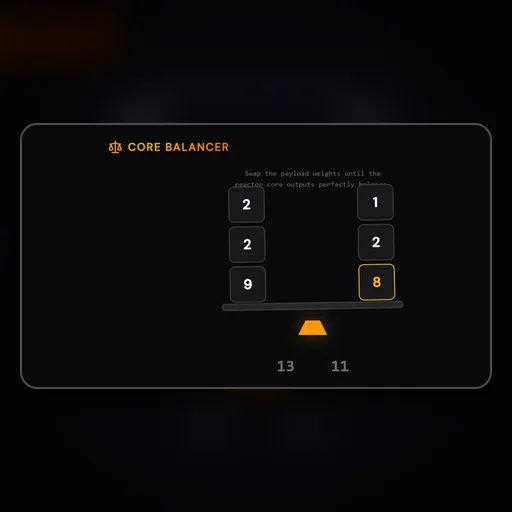
Core Balancer
Balance the payload weights into equal mathematical sums to stabilize the reactor.
Typing Racer
Type words as fast as they appear to win the race. Great for keyboard skills.
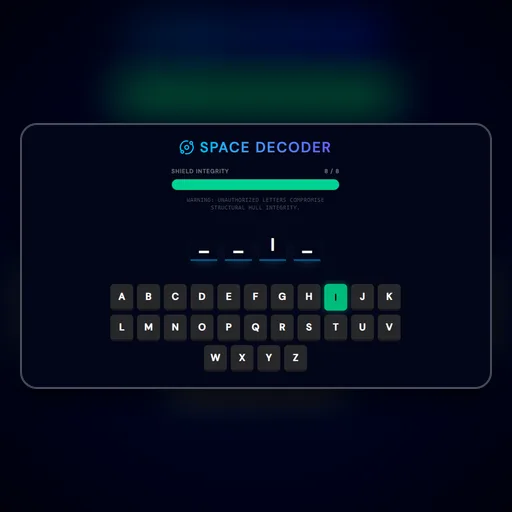
Space Decoder
Guess the required Sci-Fi vocabulary letters before the hull breaches!
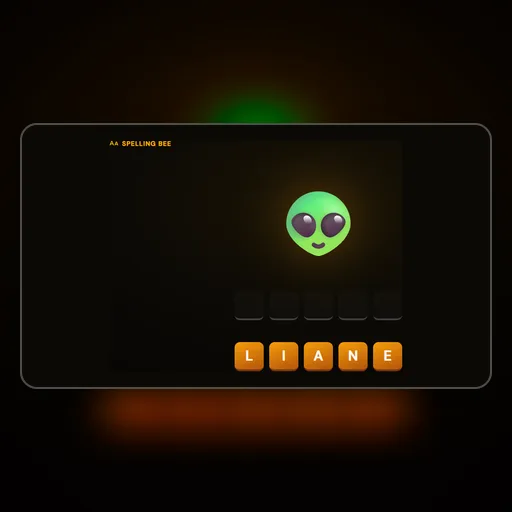
Spelling Bee
Hear the word and spell it correctly. Master your vocabulary!
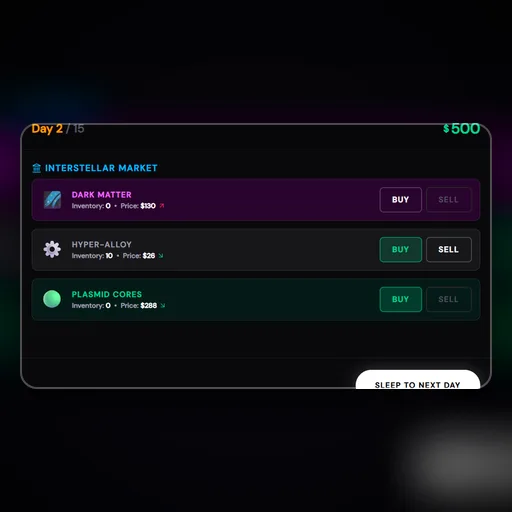
Space Trader
Buy and sell resources in a mathematically fluctuating interstellar market.
❓Frequently Asked Questions About Budget Manager
Is Budget Manager free to play?▾
Yes, Budget Manager is completely free to play on NexusPlay. There are no hidden fees, in-app purchases, or premium tiers. We support our platform through non-intrusive advertisements so you can enjoy unlimited gameplay at no cost.
Can I play Budget Manager on my phone?▾
Absolutely! Budget Manager is fully responsive and optimized for mobile devices. Touch controls are built in, so you can play on any smartphone or tablet with a modern web browser. No app download needed.
Do I need to create an account to play?▾
No account or signup is required. Simply visit the game page and start playing instantly. Your scores and progress are saved locally in your browser so you can resume anytime.
What are the basic rules of Budget Manager?▾
You have a $200 weekly budget. A list of items is shown with their costs — some are Needs (essentials), some are Wants. Click items to purchase them — your budget decreases. For the full guide, see the "How to Play" panel on this page.
What category does Budget Manager belong to?▾
Budget Manager is a educational game. NexusPlay offers dozens of other educational titles you can explore for free — all playable instantly in your web browser without any downloads.
Editor's Note:
Budget Manager is part of our curated collection of high-quality web games. We strive to bring you the best gaming experience without the clutter of forced logins or intrusive popups. If you enjoy Budget Manager, be sure to explore our other educational games and discover more free titles across all categories on NexusPlay. New games are added regularly, so bookmark us and check back often!